Live Streaming Events: What You Need, and When to Film Instead
Quick Navigation

A camera glitch, a missed cue or a dropped connection is visible to your audience the moment it happens. In a recorded shoot the same mistake is cut out in the edit and nobody ever sees it. That one difference changes how a livestream has to be planned.
Live streaming events means sending live video and sound from the room to people elsewhere, in real time. They watch on a computer or a phone, on Teams, Zoom, YouTube or whatever platform your organization already runs on. A recorded event film takes one to two weeks to edit, depending on scope.
If part of your audience will be somewhere else on the day, this is what the stream needs from your venue, your crew and you.
We write it from the productions Blank Media runs: FIFA conferences in Zürich, The Economist in Davos during the World Economic Forum, corporate events for KPMG and BCG.
Does your event need a live stream, a recorded film, or both?
Stream when part of your audience cannot be in the room. International conferences, town halls with teams across several offices and product launches with a global audience are the clearest cases for a live stream. The people who could not travel watch the keynote talk streamed live at their own desks.
When every attendee is in the room, you usually do not need one. A well-produced recap film often serves an audience that was already in the room better than the added cost and technical risk of a live stream. A 60-to-90-second highlight cut gets watched and shared on social media platforms; the full three hours of live content from a room everyone sat in rarely get opened again.
Hybrid events, a format with guests in the room and participants online, take both a filming crew and a stream. The three formats compare like this.
What does a live stream add to a filming crew?
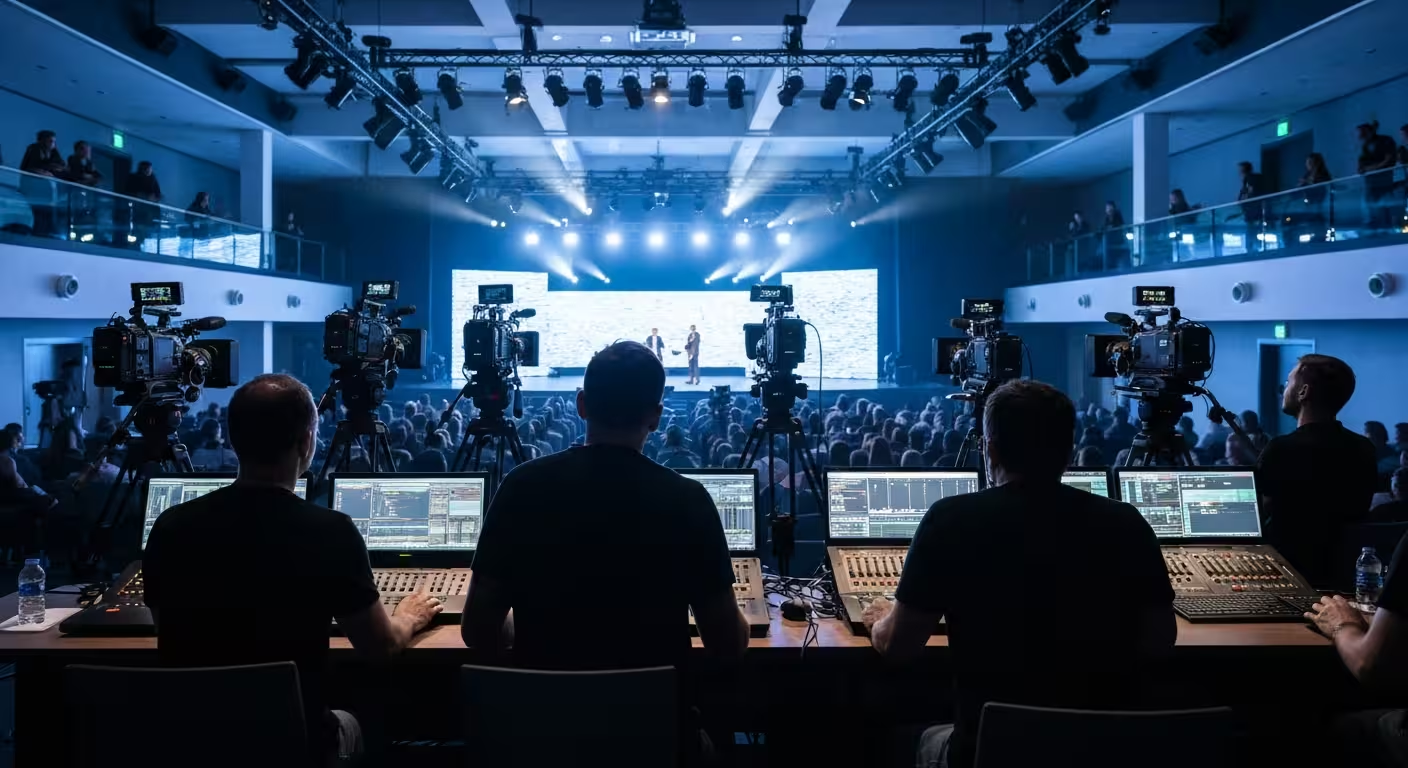
A livestream adds a director who makes every cut while the live event is running. The director switches cameras, cues graphics and manages timing as it happens, the way live broadcasts work. In standard event filming that role does not exist, because the same decisions are made later in the edit.
On our productions the stream comes with the following, included:
- Multi-camera switching, so viewers watch the speaker, the slide and the room in the order the director chooses, in real time.
- Branded overlays and lower thirds, so every speaker is named on screen and the stream carries your branding.
- A technician on site, giving technical support and watching the connection and the audio levels while the director watches the picture.
A keynote is usually covered with two or three cameras; a conference with several stages and breakout sessions can need four to six, each with its own audio. The same camera feeds can be recorded for the edited film, which is how the same crew delivers the livestream and the lasting film. What that crew brings to an event day is on our event video and livestreaming page.
What do live streaming events need from the venue and the organizer?
A livestream needs three things from the venue: a dedicated internet line with a backup, a clean sound feed, and light and space for the crew. Connection failure at the venue is the fault that stops a stream. Most of what you arrange before the day exists to prevent it.
A dedicated internet line with a backup
Public venue Wi-Fi is rarely reliable enough to carry a stream on its own. Ask the host venue for a dedicated, wired line and have it tested at the location, in the room the livestream will run from.
A backup connection, such as a cellular failover, covers the single point of failure that ends a stream mid-event. If the venue line drops, the second path is what keeps the livestream up. Tell the venue what bandwidth the crew needs and have them confirm it in writing.
Sound, light and room for the crew
Remote viewers hear only what the stream carries, so the sound feed matters more to them than to anyone in the room. Clean sound on every source is part of our standard recording setup; whether it comes from the venue's sound desk or from our own microphones is settled before the event.
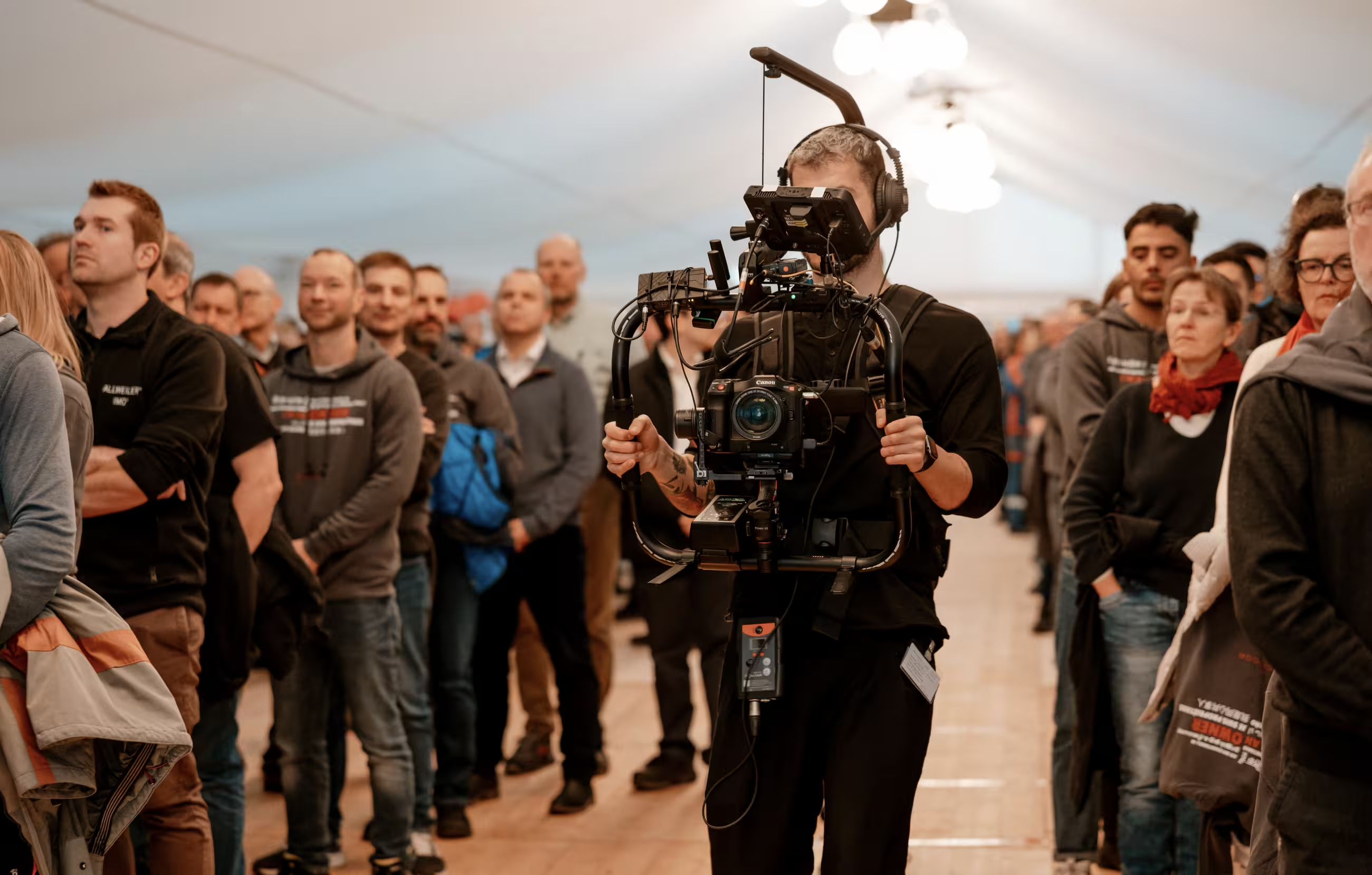
A screen shows uneven light on the speakers that the room hides, and flicker nobody notices live is visible on camera. We film events with a small crew that keeps out of the guests' sightlines. A stream adds one working position with a line of sight to the stage, and power for it.
Before the event, the crew needs four things from you:
- The running order, with speaker names and the schedule, so lower thirds and cues are created before the doors open.
- Names, titles and any on-screen message as they should appear, checked by someone who knows the spelling.
- One person who can decide on the day, because when a session runs over the director needs an answer within seconds.
- Where the stream goes: the platform, the access rule and who owns the user account.
Which platform should you stream a company event on?
Stream on the platform your audience already uses. Internal and confidential events go out as a private webcast on Teams or Zoom, where your people join their meetings anyway. Public events are broadcast on YouTube, which is free and open, or on LinkedIn or Facebook Live if that is where your viewers watch.
People join an event stream by private link, by a registration page allowing viewers to sign up in advance, or by a player you embed on your own website. Platforms advertise unlimited viewers and complete control over who watches, and both are features of your livestreaming platform rather than of the crew. Your IT team will have a view on which access route your organization allows, so get their sign-off in advance.
Third-party streaming services add features such as sending one feed to multiple platforms at once, and viewer data afterwards. Most internal events need one destination, and public events with sponsors and partners to reach are the exception. The audience reach you get comes from sending the link out in advance so people know how to connect.
How do remote viewers take part in a live event?
Remote viewers interact through the event streaming platform's features: chat, moderated Q&A and polls. They run a few seconds behind the room, so a question typed after a speaker's line lands when the speaker has moved on. Somebody has to catch it and hand it to the moderator on stage before the broadcast moves on.
Decide in advance, whatever the format, who reads the chat and who puts the questions to the speaker. On a stream the director is watching the picture and cannot do it, and a question left unanswered is visible to all participants online.
How far ahead does a live stream need to be planned?
A live stream needs enough lead time for a technical site visit, a connection test and a rehearsal, each booked into the venue's schedule. Each needs the venue's cooperation. That is why a livestream leaves less margin for last-minute planning than a recorded shoot.
The rehearsal is the step that gets skipped. A short technical rehearsal with the actual connection and the actual equipment in the actual venue catches problems while there is still time to fix them. In our experience, skipping it is the most common reason a livestream runs into avoidable trouble.
If your upcoming event has people who cannot be in the room, tell us the date and the venue. We are a video production studio in Zürich, and our event video and livestreaming services cover the livestream and the film from one crew and one day.
Frequently asked questions
Which platform should a company event be streamed on?
A company event should be streamed on the platform its audience uses every day. Internal events usually go out on Teams or Zoom, public events are broadcast on YouTube, and we stream to whichever platform you name. Ask your IT team early, because how viewers connect, by open link, registration page or user login, is set by the platform.
When is a recorded event film better than a live stream?
A recorded event film is the better choice when everyone who matters is already in the room. A stream exists to reach people who are not there. Without them, the same audience can watch a recap film or a 60-to-90-second highlight cut later and post it on social media. Stream when part of the audience cannot attend.
Can an event be live streamed and recorded at the same time?
Yes, and it is common. The camera feeds used for the stream can also be recorded and edited afterwards into a separate event film. One crew then delivers the live feed on the day, a highlight reel inside 24 hours and the full edit one to two weeks later, depending on scope. Say early that you want both, because the recording setup is decided with the camera plan.
How far in advance should an event live stream be planned?
An event live stream needs enough lead time for three steps, each booked into the venue's calendar. Those are a technical site visit, a connection test at the venue and a rehearsal with the real equipment before the live event. Book those slots with the venue as soon as the date is fixed. Live streaming leaves less margin for last-minute planning than a recorded shoot.
What internet connection does an event live stream need?
An event live stream needs a dedicated, wired line at the venue, tested in advance, with meaningfully more bandwidth than the stream itself requires. It also needs a backup connection, such as a cellular failover, in case the primary fails. Public venue Wi-Fi shared with your guests is not enough on its own. Ask the venue to confirm the line in writing before you book the rehearsal.